Small Business Website Success: The Complete Guide
A no-jargon, step-by-step guide to building a website that looks credible, gets found by Google and AI search, and turns visitors into real leads and sales.
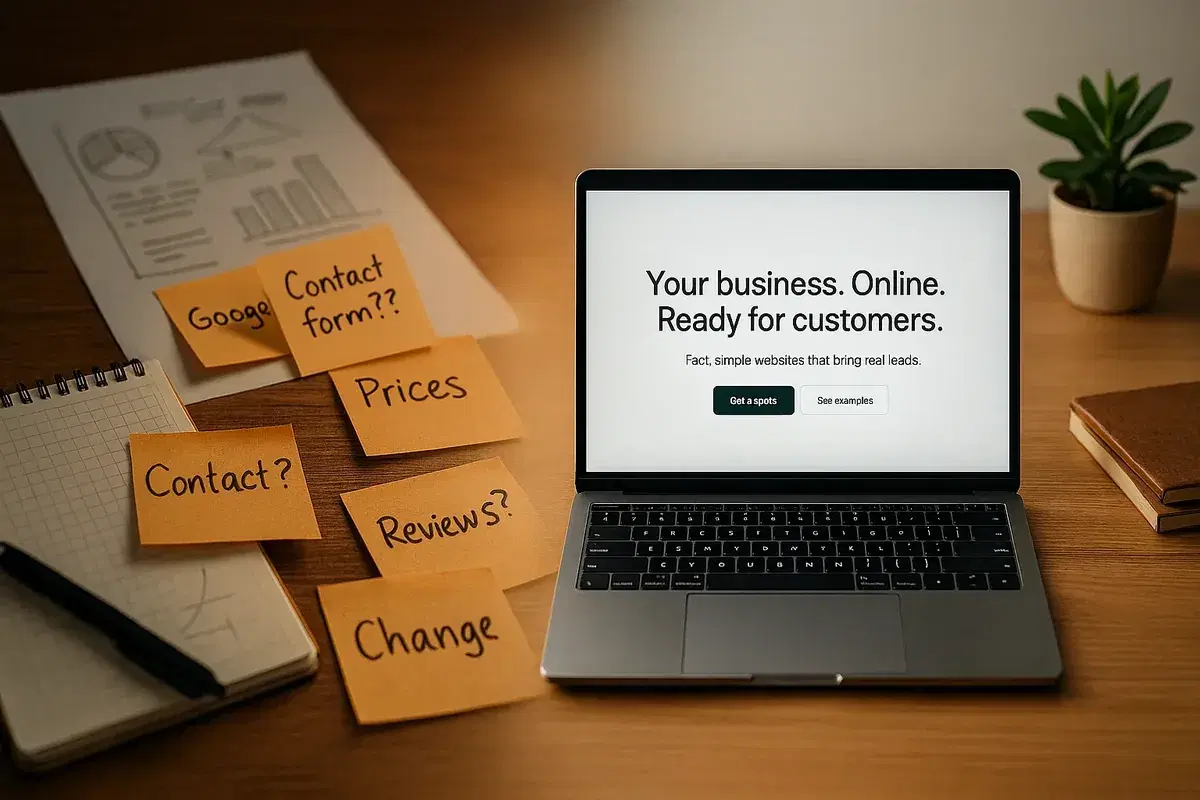
Who this is for: owners and managers of small and mid-sized businesses who don't code, don't want buzzwords, and just need a website that brings real leads.
What you'll get: a step-by-step, no-jargon plan to build a website that (1) looks credible, (2) gets found—by Google and AI answers—and (3) turns visitors into calls, bookings, and sales.
In a rush? Jump to Section 8 for the quick "do-this-first" checklist.
1) Why every small business still needs a website
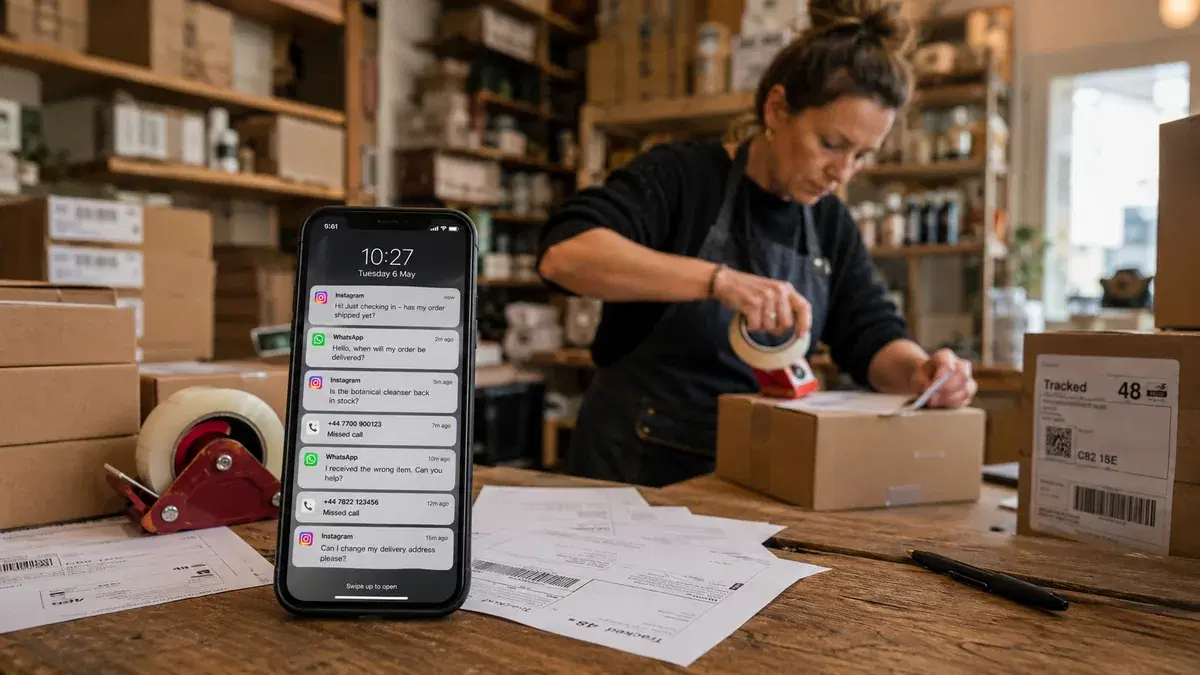
People check you online before they call. If you don't show up—or your site looks sketchy—you lose the lead.
- Having a website is now the norm for small businesses, not a "nice-to-have."
- Many buyers judge a company's credibility by the website's design and usability. If your site looks dated, visitors bounce.
- Most browsing now happens on phones, so a slow, clunky site quietly kills inquiries.
Common objections—answered in plain English
- "It's too expensive." Basic, trustworthy sites can launch quickly with modern tools. Custom work takes longer, but you don't need to break the bank to look legit — see what a custom website costs.
- "We're fine with Facebook/Instagram." Social profiles help, but you don't control them. Your website is your home base—stable, ownable, and where people expect pricing, services, reviews, and contact info. Google's local results also rely on a consistent business presence.
Plain-language takeaway: Your website is your online storefront. If it's missing or messy, people assume the same about your business.
2) Essential website features (and why each one matters)
Think of this like a safety checklist for your site.
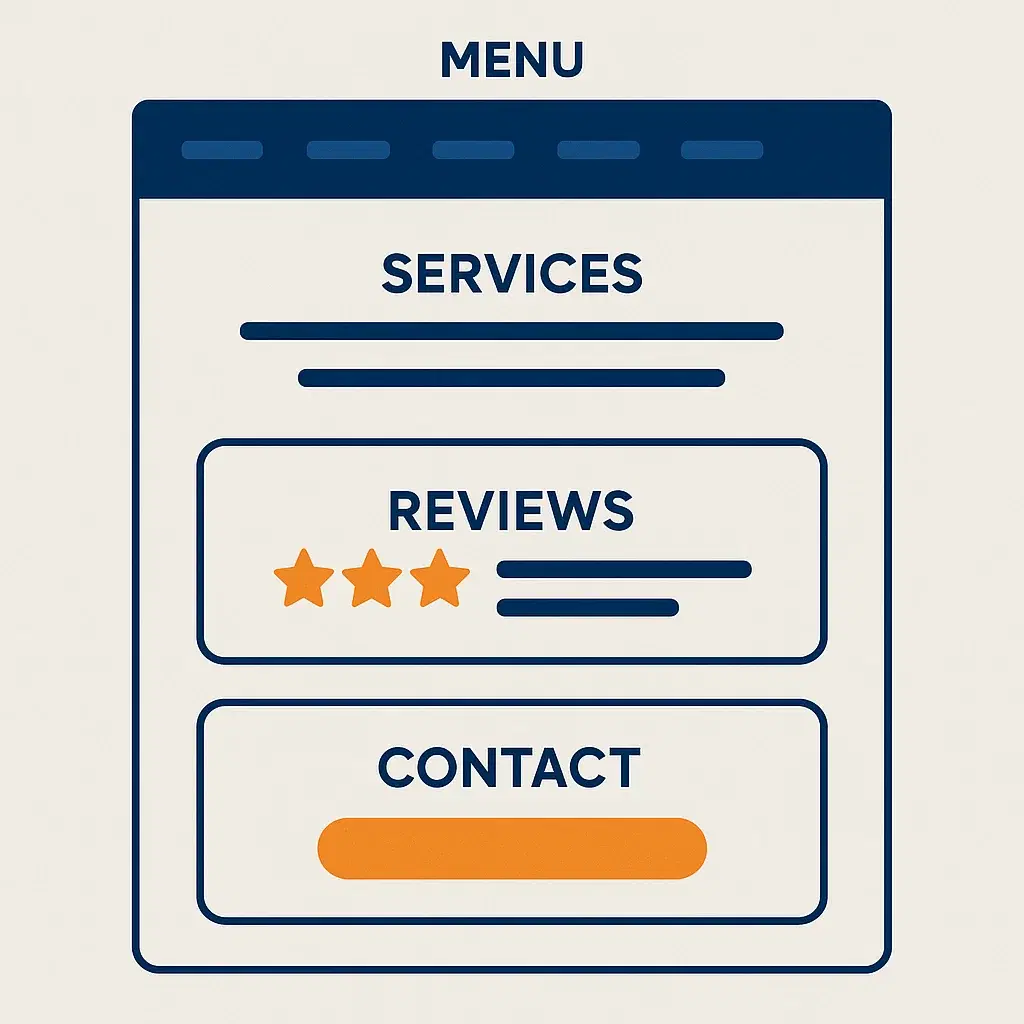
1. Clear navigation menu
Make it brain-dead simple to find "Services," "About," "Pricing," and "Contact." Too many menu items = confusion. Rule of thumb: 5–7 top-level items max.
2. About page that feels human
Show your story, team, and values—real photos, not just stock. People hire people. Example: "Started in 2019 to fix slow paperwork for my friend's business, later - for local clinics." Add 2–3 team photos with that friend.
3. Clear Services/Products
Write like you talk. Say what you do, who it's for, what's included, and how to start. If you can, show price or "from €X."
4. Testimonials & reviews
Add 2–6 short quotes with names, roles, and (ideally) headshots. Case studies are gold. Visible social proof consistently boosts conversions. Example: "Saved us 6 hours/week — Anna, Clinic Manager."
5. Contact info everywhere
Phone and email in the header or footer; a simple form on the contact page. If you book calls — big "Book now" button.
6. Strong calls-to-action (CTAs)
Examples: "Request a quote," "Book a 15-min call," "See pricing." Don't make visitors guess what to do next.
7. Mobile-friendly design
Your layout must adapt automatically to small screens — text big enough to read, buttons big enough to tap, no weird pop-ups. Google primarily evaluates your site based on its mobile version.
8. Keep pages light (fast to open)
Use fewer images, skip auto-play video, and avoid fancy effects you don't need. Example: If a page feels slow after adding photos, swap the biggest ones for a screenshot/cropped version and remove any moving background.
9. Security
Your domain should show a lock icon. (That means you have an SSL certificate. It's the basic "this site is legit" signal.) If you don't see the lock and your IT guy says it's fine — hire a new IT guy.
10. Basic tracking
Turn on simple analytics (Google Analytics for example) so you know if people visit and contact you. No dashboards, no drama — just the basics. Example: Check once a month: "How many visitors? How many calls/forms?" If zero—fix the page, headline, or button.
Jargon buster:
- Caching = temporary storage that saves page copies to load faster in future use.
- SSL/HTTPS = the lock icon; encrypts data so forms aren't sent like "password=1111&username=Clarkson"
3) How to design for voice & AI-driven search (without geeky tricks)
More answers now appear inside Google—via "AI Overviews"—before a user clicks any website. Your content must be clear, factual, and answer-first to be included.
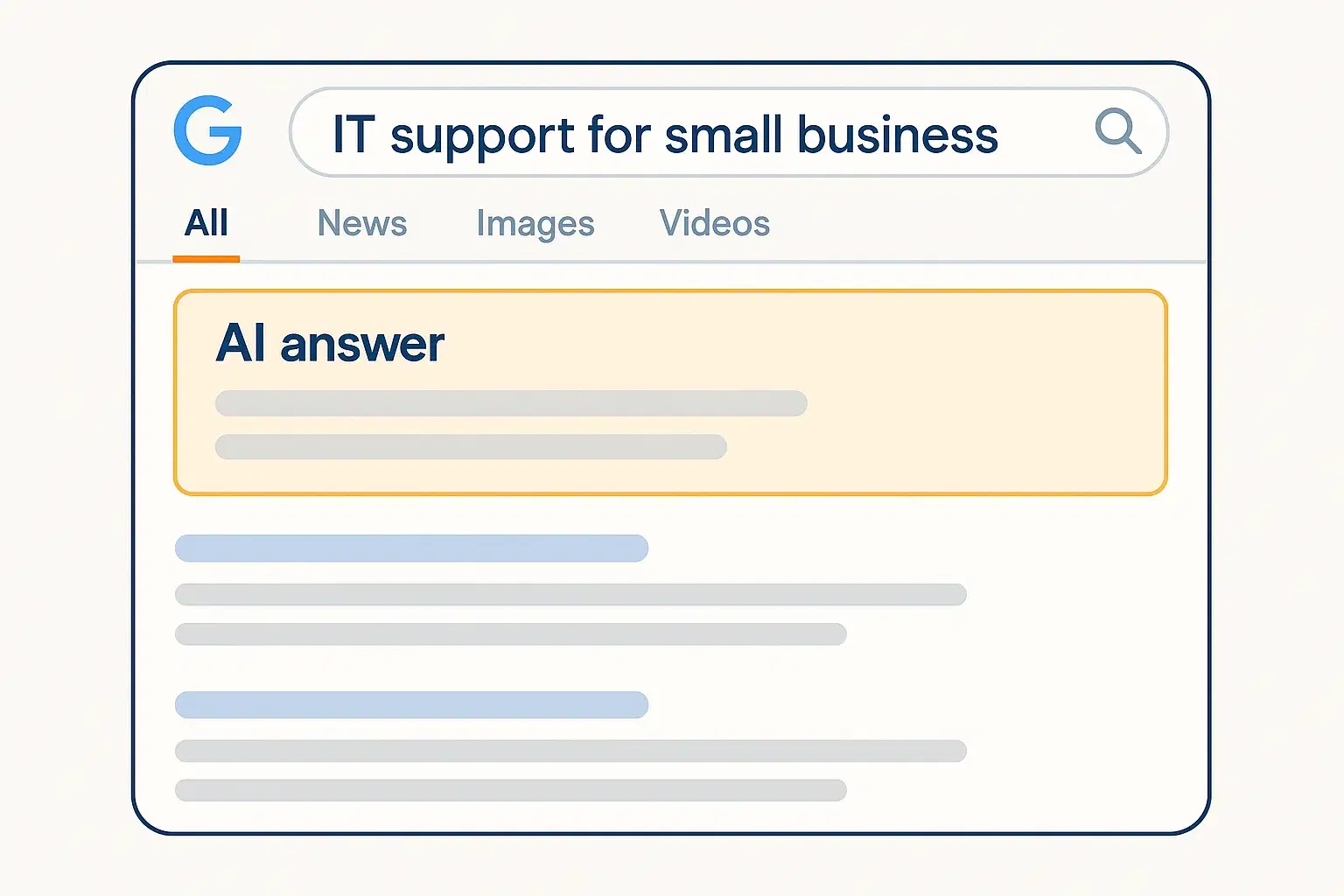
Do this:
- Write people-first content that directly answers common questions in plain language. Use Q&A (FAQ) sections and headings phrased like real questions. (We will tell you in great detail about it in our another article, which you can find down below in Helper#1 Article)
- Keep your Google Business Profile complete and updated (hours, services, photos). Reviews matter a lot for local visibility.
- Use location terms naturally ("plumber in Stuttgart," "tax advisor in Galway") on your key pages.
Heads-up: AI Overviews are improving but not perfect; they sometimes oversimplify or miss context. Treat them as an opportunity, not your only traffic source.
Jargon buster:
- AI Overview = Google's AI summary box at the top of results.
- Long-tail keyword = a very specific phrase people actually type or speak, like "best dog groomer in Paris."
4) Make mobile & speed your unfair advantage
Phones are where most browsing happens, so nail the mobile experience first.
Minimum viable mobile checklist:
- Easy to read big, clear text (aim ~16px or bigger), good contrast, plenty of breathing room.
- Thumb-friendly actions buttons large enough to tap without zooming or precision aiming.
- No blockers like pop-ups skip pop-ups on phones - nothing should cover the screen or the "Back" button.
- Photos that load fast (no tech tricks): Use fewer pictures. Before you upload, make each photo smaller with a quick, non-geeky hack: take a screenshot of the photo and upload the screenshot, or open the photo on your phone, tap Edit → Crop a little, then Save (this creates a smaller copy). If a page feels slow after you added pictures, replace the biggest-looking ones with the screenshot/cropped versions.
- Only the essentials on each page: Keep it clean: no auto-play videos, no moving backgrounds, no pop-ups, no extra widgets like calendar you don't truly need. Aim for clear text, a few good photos and one obvious button (e.g., "Book a call"). If you work with a web person, tell them: "Please keep it simple so it opens quickly on a normal phone."
Google indexes and ranks using your mobile content first, so these aren't "nice-to-haves." Faster, cleaner mobile pages generally rank better and convert more visitors into calls and bookings.
5) Build trust with E-E-A-T (translated to plain English)
You'll see E-E-A-T (Experience, Expertise, Authoritativeness, Trust). Don't let it scare you—this is just "prove you're legit."
How to "show your work":
- Author bylines & bios on blog posts or guides—who wrote it and why they're qualified. Example: By Olga Nowak, Senior Software Engineer at Coding-Moose. Olga has 5+ years building simple, compliant websites for German SMBs and leads our "fast, mobile-first" projects.
- Real-team photos (skip obvious stock where possible); professional, friendly headshots beat vague "business handshake" pictures
- Case studies with before/after, numbers, screenshots (with sensitive info redacted)
- Awards, certifications, and partnerships—display the logos you're allowed to show
- Reviews & testimonials—encourage happy clients to leave Google reviews; keep it honest
If you want a deeper explainer on E-E-A-T principles and practical steps, see the references at the end.
Jargon buster:
- E-E-A-T = "Show your homework." Demonstrate you're experienced, credible, and trustworthy with real names, photos, and proof.
6) Create helpful, people-first content (the simple content plan)
The big shift: Google and its AI features reward content that's accurate, useful, and fresh. That doesn't mean writing every day; it means creating a few excellent pages and updating them as your services evolve.
What to publish:
- Core pages: Home, Services (one page per service), About, Pricing/How we price, Contact
- Evergreen guides & FAQs: Pick your top 5 questions and write honest, jargon-free answers (200–800 words each)
- Case studies: Show the problem, your fix, and the result
- Short videos: 30–90 seconds explaining a service or answering a common question—great for embedding on pages and sharing (short-form still works)
Schema markup (very briefly): This is a small, invisible label on your pages that helps search engines (Google) understand what a page is (a service, a FAQ, a review). It's like adding labels to boxes. Your developer can handle this. (If you don't have one, we can.)
7) Measure what actually moves the business
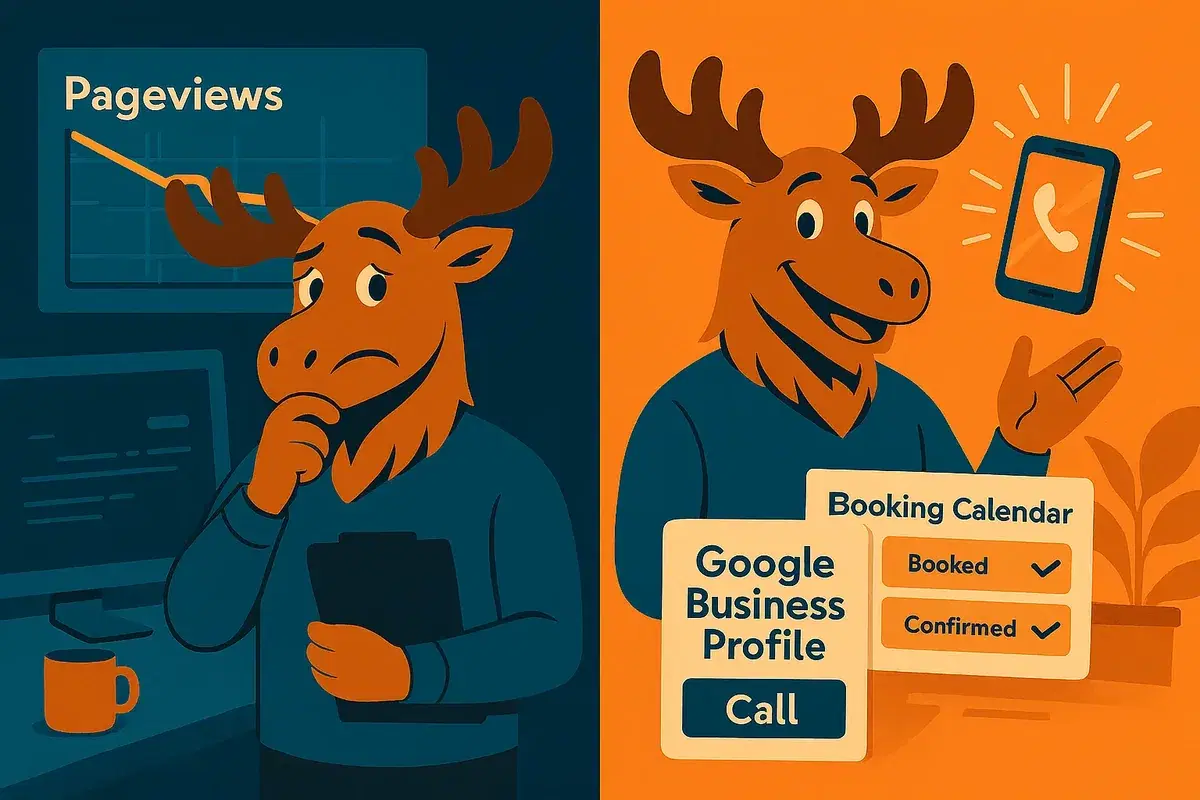
Because AI sometimes answers questions without a click, raw pageviews matter less. Track conversions—the actions that lead to revenue.
Metrics that matter:
- Calls from your site (use a trackable number or call reporting)
- Form submissions and chat leads
- Booked appointments
- Google Business Profile insights: calls, direction requests, profile views
- Traffic sources and device breakdown in Analytics (e.g., are most visitors on mobile?)
Jargon buster:
- Conversion = the action you want (call, booking, purchase)
- Attribution = figuring out which channel (Google, Maps, email, ad) drove that action
8) Your 10-step "do-this-first" checklist
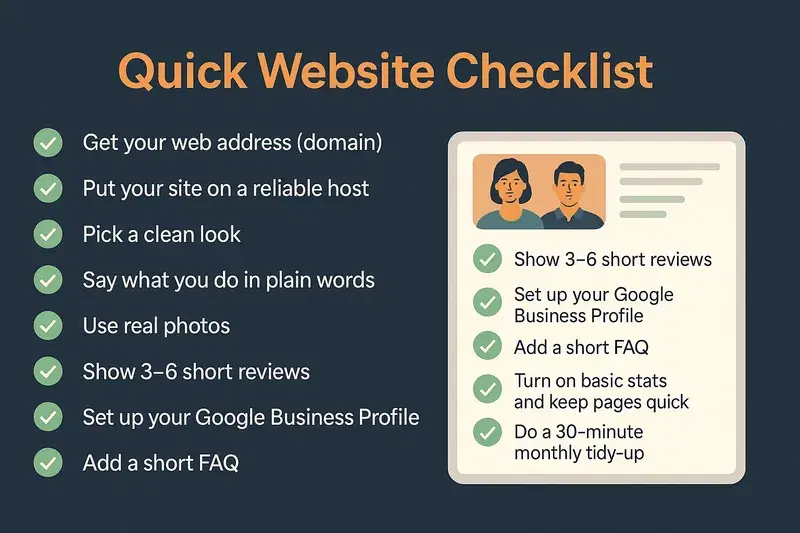
- Get your web address (domain) Buy a simple name people can remember (like yourbusiness.com). Short, easy to spell.
- Put your site somewhere reliable (hosting) Choose a company that keeps your site online and shows the lock icon in the address bar. If there's no lock, it's not set up right.
- Pick a clean look Use a simple template that's easy to read on a phone. No flashy sliders, no tiny text.
- Say what you do in plain words Who you help, what you do, how to start. End each page with one clear button: "Get a quote" or "Book a call."
- Use real photos Show your team, your place, your work. Skip obviously fake stock pictures.
- Show 3–6 short reviews Name + role is enough (e.g., "Anna, Clinic Manager"). Real, specific, short.
- Set up your Google Business Profile Fill everything: hours, services, photos. Ask happy customers to leave reviews.
- Add a short FAQ Answer the top 5 questions you get by phone or email—prices, timelines, how it works.
- Turn on basic stats and keep pages quick Enable simple "website stats" so you know how many people visit and from where. Ask your web person to keep pages opening fast on a normal phone.
- Do a 30-minute monthly tidy-up Update prices, add one new photo or mini case study, fix any outdated info. Little steps, every month.
9) Plain-English glossary (because jargon ≠ trust)
- Hosting — the "computer on the internet" where your website lives. Why it matters: good hosting keeps your site up and fast, so customers don't see errors or wait ages.
- Domain — your website's name (like coding-moose.com). Why it matters: it's your brand address—short, clear names are easier to remember, easier to Google/find, and look better on cards and emails.
- SSL / HTTPS — security that encrypts data; you see it as the lock icon in the address bar. Why it matters: everything people type on your site (name, phone, dates) is sent like a cipher—others can't read it. If a site isn't secure, most browsers simply won't let customers in—the page gets blocked on their computer, and they go elsewhere.
- Schema — simple "labels" hidden on your pages that describe what's inside (e.g., FAQ, service, review). Why it matters: it helps Google understand and sometimes feature your info (like FAQ dropdowns), which can win more attention.
- CTA (Call-to-Action) — the next step you want visitors to take (call, book, get a quote). Why it matters: think of when you loved a product but couldn't find the "Buy" or "Book now" button—you clicked around for a few minutes, got annoyed, and left. Clear CTAs prevent that "where do I click?" moment.
- Conversion — when a visitor does the thing you wanted (calls, books, buys, submits a form). Why it matters: conversions are the useful outcomes you can count; tracking them shows what's working so you can adjust pages and wording with less guesswork.
10) Next steps (and how this guide connects to the helper articles)
If you do nothing else, make your site simple, fast, and trustworthy, and keep your Google Business Profile complete and active. That alone will push you ahead of many competitors.
From here, dive deeper with our short, practical helpers:
- Helper #1 — Voice & AI Search 101 for Local Businesses: turn FAQs into traffic and calls
- Helper #2 — Trust Builders That Actually Convert: photos, reviews, bios, and case studies (with examples)
- Helper #3 — Speed & Mobile Made Simple: a non-tech checklist you can give your web person
- Helper #4 — What to Track (Besides Pageviews): calls, bookings, and GBP insights
- Helper #5 — Is Social Media Alone Enough? Pros, cons, and when you still need a site
Credits & references
- Network Solutions — Small-business website adoption stats & builder affordability: https://www.networksolutions.com/blog/small-business-website-statistics/
- Cube Creative — Credibility judgments tied to website quality: https://cubecreative.design/blog/partners/why-small-businesses-need-a-website-1909
- Debuggers Studio — SMB website feature checklists, mobile/speed basics, analytics: Feature checklists, Step-by-step guide
- Daybreak Marketing — Voice search, AI-driven search, local SEO guidance: Voice search guide, 2025 SEO trends
- Sweet Rose Studios — People-first content, AI Overview tips, what to measure: AI Overview tips, Blog
- Legal GPS — Real-team photos vs. generic stock for trust: https://www.legalgps.com/solo-attorney/law-firm-website-must-haves
- Feedback Wrench — Impact of testimonials and social proof: https://www.feedbackwrench.com/post/how-to-use-client-testimonials-to-boost-your-websites-seo
- MarketingEar — Short-form video & interactive content trends: https://marketingear.com/digital-marketing-trends-small-business/
- Google Search Central — Mobile-first indexing documentation: https://developers.google.com/search/docs/crawling-indexing/mobile/mobile-sites-mobile-first-indexing
- Google Business Profile Help — Completeness, photos, reviews, visibility: Business Profile help, Photos and reviews
- E-E-A-T explainer resources — Official updates & Quality Rater Guidelines: Official updates, Quality Rater Guidelines PDF