Voice & AI Search 101: Turn FAQs into Traffic and Calls
Learn how voice and AI search are changing local discovery. A practical guide to optimizing your FAQs so Google, Siri, Alexa, and ChatGPT recommend your business first.
The Rise of Talking (and Typing) to Find Local Businesses
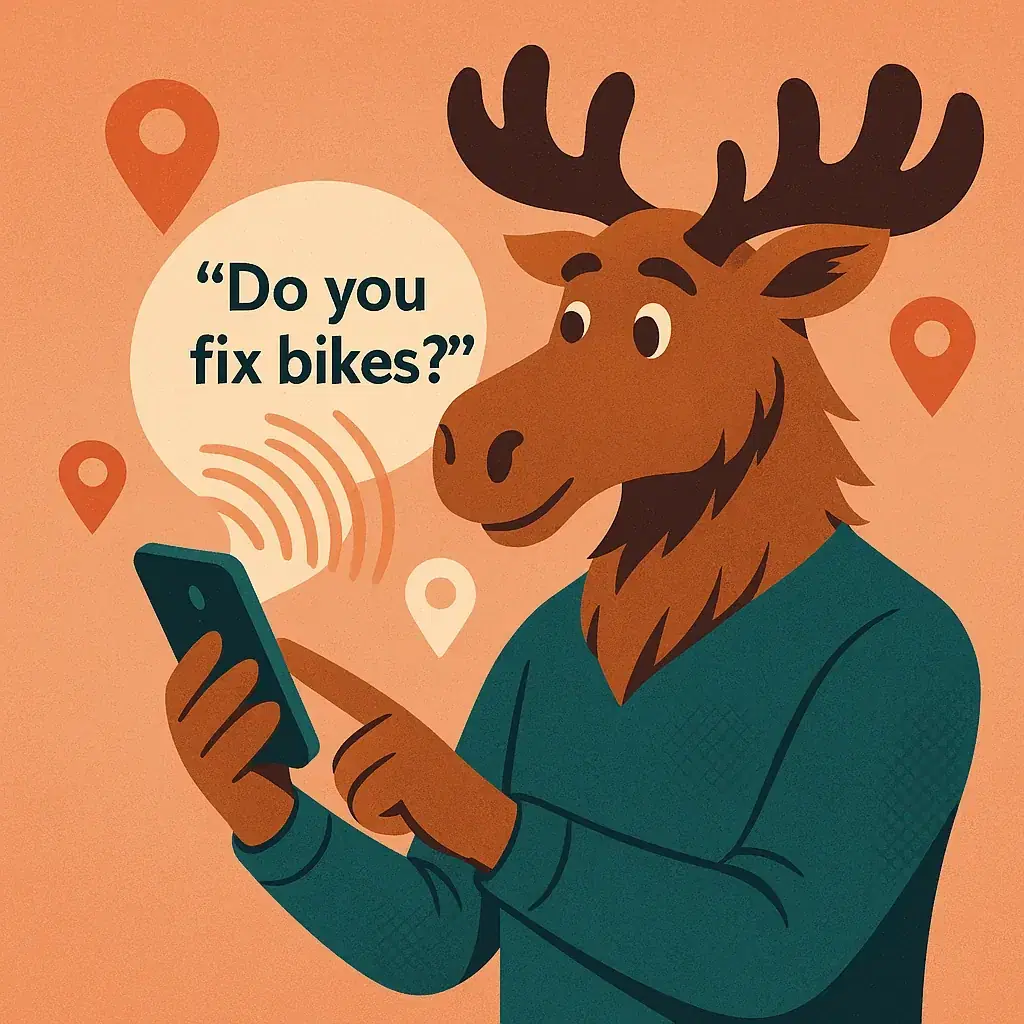
Once upon a time, customers looked up your business in the Yellow Pages. Now they just ask their phone. Whether it's "Hey Siri, where's the best bakery in London?" or "ChatGPT, who builds small business websites?", voice and AI search are changing how people discover local businesses.
For small and medium businesses, that shift is gold—if you know how to show up when people ask. This guide explains what voice and AI search are, why they matter, and how turning your FAQs into searchable answers can help you get more traffic, calls, and customers.
Voice Search vs. AI Search (in Simple Terms)
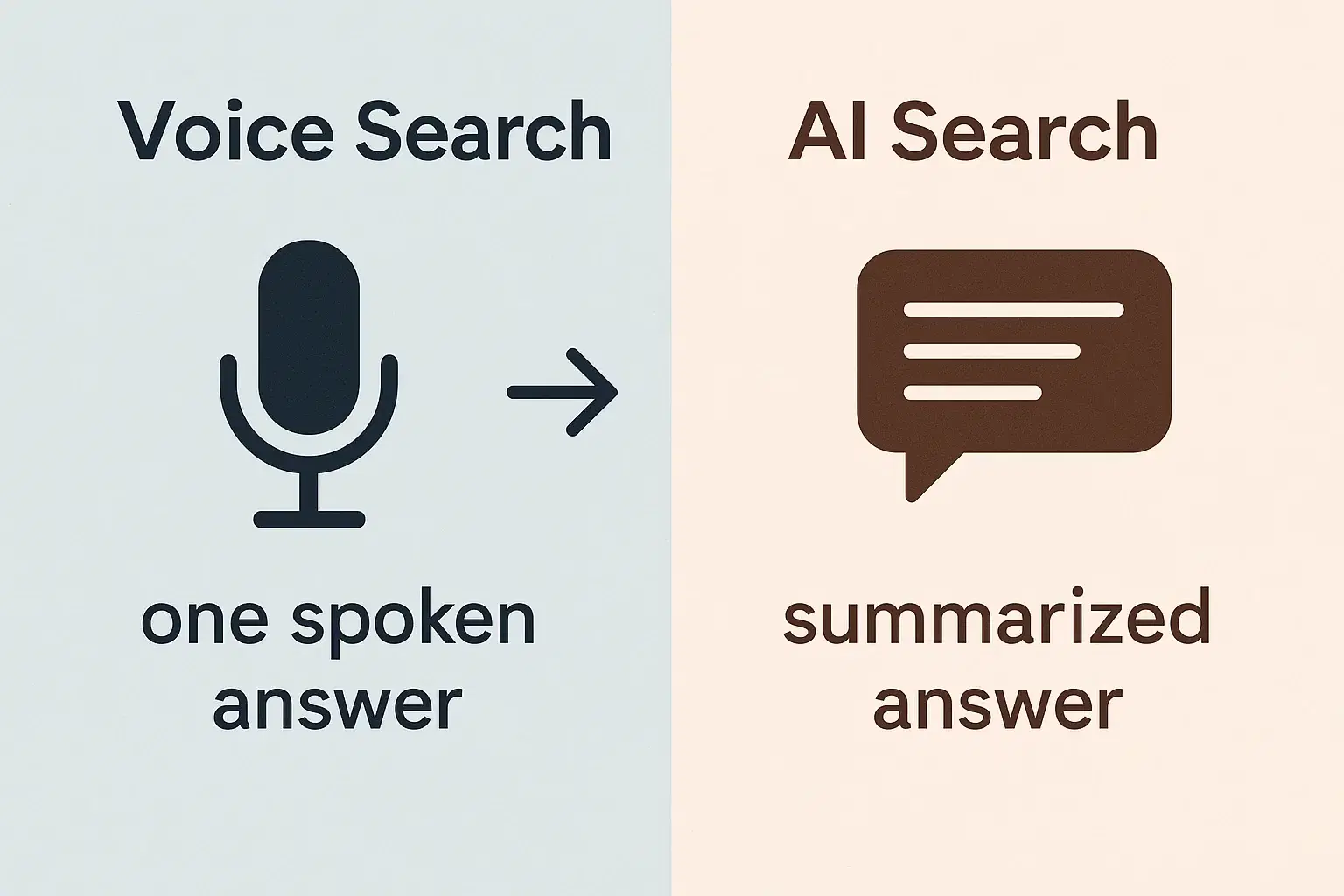
Voice search happens when people speak a question instead of typing it. Siri, Google Assistant, Alexa, and Cortana listen, search, and often read a single answer out loud. If your business isn't that one answer, you're invisible.
AI search, like ChatGPT or Bing AI, goes a step further. It uses artificial intelligence to understand questions, summarize web content, and reply conversationally. Instead of showing 10 blue links, it provides one helpful answer — often drawn from business websites, reviews, and directories.
The overlap: both depend on the clarity and relevance of your online information. They reward businesses that answer real customer questions clearly, locally, and conversationally.
Why Voice & AI Search Matter for Local Businesses
People use voice search when they want to act quickly — to find, call, or visit.
- 58% of consumers use voice search to find local businesses.
- 74% of voice users search for local info at least weekly.
- Assistants often suggest only one or two top answers.
That means being almost optimized isn't enough — you need to be the answer.
Voice and AI searches also show local intent: "open now," "near me," "best-rated." These searches often result in immediate conversions: a call, direction request, or online booking. If your info isn't optimized, the assistant might skip right over you.
Your Secret Weapon: Frequently Asked Questions (FAQs)
Most voice and AI queries sound like… well, questions:
- "Do you fix bikes in central Amsterdam?"
- "What's the best café for remote work in Lisbon?"
- "Are you open on Sundays?"
- "Do you offer same-day delivery in Berlin?"
That's why FAQ pages are SEO gold. They answer customer questions in a format search engines and assistants understand — short, clear, and conversational. (FAQs are one piece of the bigger picture in our small business website guide.)
Example:
A phone repair shop lists this FAQ:
Q: Do you only build websites, or do you help with SEO too? A: We do both! Coding Moose builds websites and optimizes them for Google, so you get traffic, not just a nice design.
If someone asks Siri the same question, there's a good chance it will pull that answer directly from your page.
Why it works:
- Voice assistants prefer short, direct answers (~30 words).
- FAQs mirror natural speech patterns.
- They're easy for AI models to read and quote.
How to Find the Right FAQs
You already know most of your customers' top questions — you just need to capture them online.
Try these sources:
- Your front line. Ask employees what customers ask most on calls or in person.
- Your inbox. Scan customer emails and DMs for recurring themes.
- Google clues. Type your service in Google ("plumber in Milan") and check "People Also Ask."
- Competitors. See what questions they answer and fill any gaps.
- Forums and groups. Quora, Reddit, or Facebook groups reveal real phrasing customers use.
List 5–10 questions that reflect actual concerns ("Do you offer emergency service?" beats "About us") — then write concise, plain-spoken answers.
How to Write Voice-Friendly FAQs
1. Use natural language
Phrase questions how people actually speak: "How much do braces cost?" not "Pricing details."
2. Get to the point fast
Answer clearly in the first sentence: "We open at 9 AM on Saturdays and close at 7 PM." Add details later if needed.
3. Sound human
Use "you" and "we." Read it out loud — it should sound like conversation, not corporate copy.
4. Include local cues
Mention your city or neighborhood when relevant: "We deliver across South London and Surrey."
5. Use proper Q&A formatting
Label questions and answers clearly (H3 tags for Qs, paragraph for As). Search engines use that structure to detect FAQs.
6. Keep it clean and current
Update regularly. Use good spelling, short sentences, and clear formatting. Voice results reward readability.
Optimizing for Siri, Alexa, Google, and ChatGPT
Each voice or AI platform pulls data from different sources. Here's how to cover them all:
Google Assistant → Pulls from Google Business Profile (GBP)
- Claim and update your GBP with hours, phone, and photos.
- Use the built-in Q&A section — seed a few FAQs yourself.
- Keep info consistent with your website.
Apple Siri → Uses Apple Maps + Yelp reviews
- Claim your business on Apple Maps Connect.
- Keep your Yelp page active — Siri often reads Yelp ratings aloud.
Amazon Alexa → Relies heavily on Yelp and sometimes Bing
- Encourage Yelp reviews and make sure your hours, address, and phone number are accurate.
Bing & Cortana → Source data from Bing Places for Business
- Claim your Bing listing — it also feeds some car GPS systems.
ChatGPT & Bing AI Chat → Pull info from across the web
- Keep your website updated with FAQs and service details.
- Maintain consistent info (Name, Address, Phone) across directories like Google, Yelp, Foursquare, and Data Axle.
- Fresh, accurate content signals reliability.
Quick tip: Respond to reviews and update your listings seasonally. AI tools favor recent, maintained info — outdated data can push you down the list.
Make Visuals Work for You
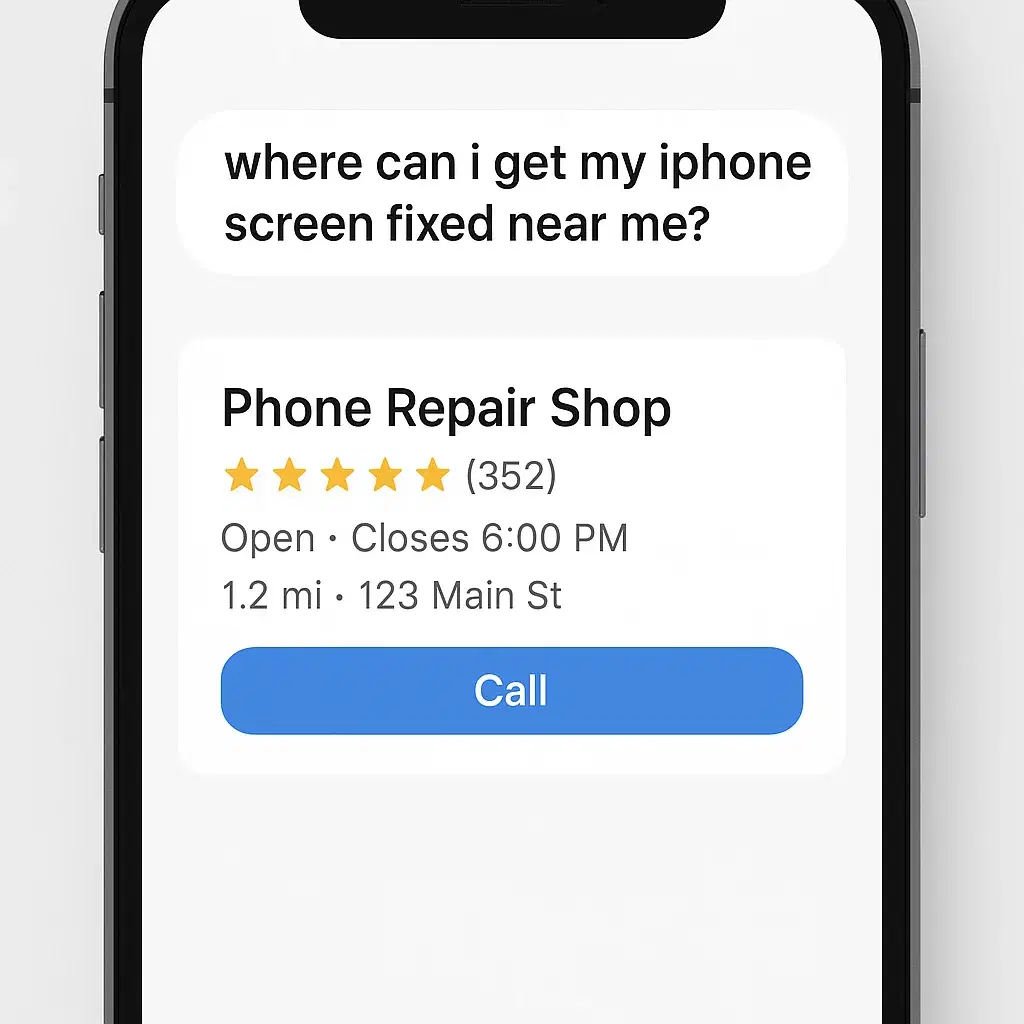
Even in voice search, visuals matter. Why? Because assistants and AI often display rich cards with your photos and star ratings.
Use real images — your storefront, your team, your work. Use alt text like "Our bakery team preparing croissants in central Paris" to help AI and Google understand your content. Authentic visuals support your credibility when customers follow up visually after hearing your name.
Real-World Example
Let's say you own "BrightFix Phone Repair."
You create an FAQ section answering:
- "Do you fix iPads or just phones?"
- "How long does a typical repair take?"
- "Can I walk in or do I need an appointment?"
Each answer is short, conversational, and local ("We fix iPads and phones at our downtown store—no appointment needed.").
You also update your Google Business Profile with hours, post photos of your shop, and ask satisfied customers to leave Google reviews. (Not sure which of those actions pay off? Track calls, bookings and GBP insights.)
Now, when someone asks "Hey Google, where can I get my iPhone screen fixed near me?", there's a strong chance Google Assistant pulls your answer—or calls you directly from the search card. That's voice search turning into a real-world conversion.
5 Quick Wins for Voice & AI Visibility
- Claim every major listing (Google, Apple, Bing, Yelp).
- Add 5–10 FAQs to your website in natural language.
- Use your customers' words — not jargon.
- Keep info consistent across all platforms.
- Update regularly. Outdated info is invisible to AI.
In Short: Be the Answer
Voice and AI search are just modern versions of word-of-mouth — only now, machines do the recommending. If your business clearly answers common questions, keeps listings updated, and shows real proof (photos, reviews, and accurate info), those digital assistants will start recommending you.
Think of FAQs as tiny trust builders that talk for you when you're not in the room. Do that well, and you'll soon hear more people say,
"Google told me to call you!"