What to Track (Besides Pageviews): Calls, Bookings, and GBP Insights
Stop chasing vanity metrics. Learn how to track the actions that actually matter—phone calls, bookings, and Google Business Profile engagement—to turn clicks into customers.
Why Pageviews Don't Tell the Whole Story
Every business owner loves seeing their website traffic go up. More visitors, more visibility — it feels like progress.
But here's the reality: pageviews don't equal profit.
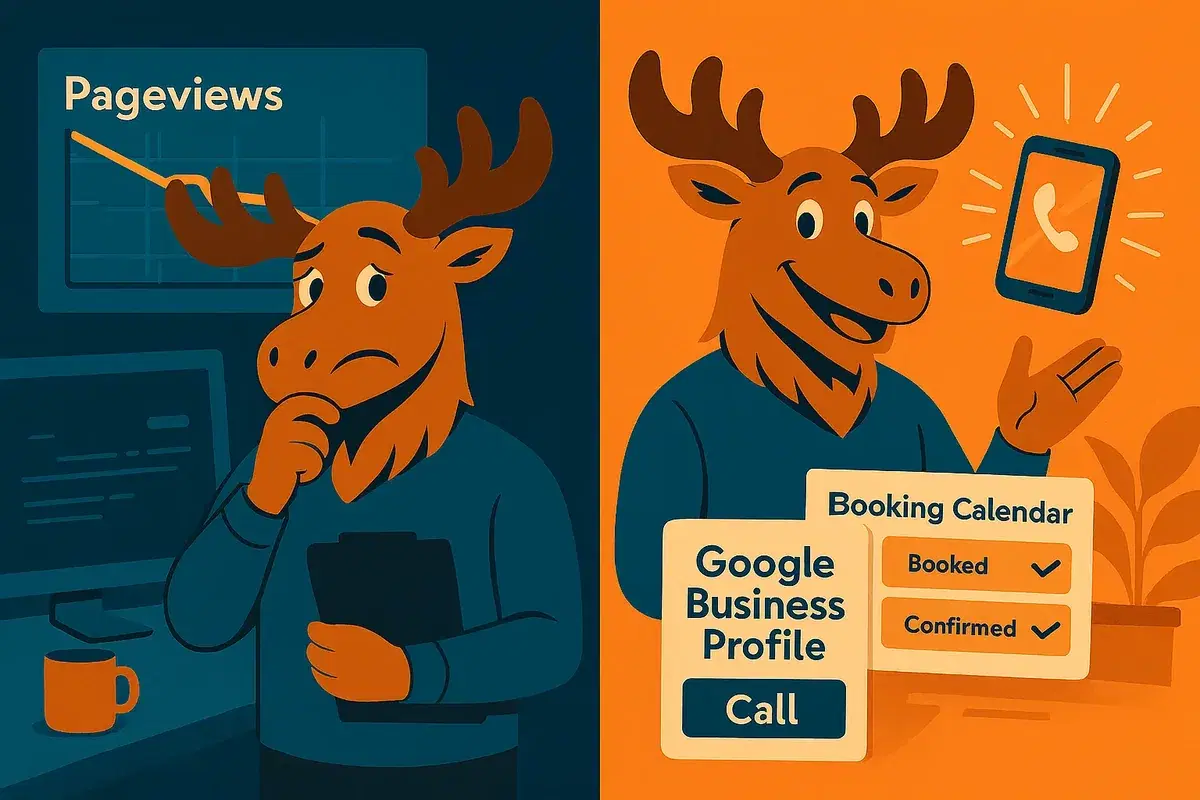
A "view" just means someone loaded your page. It doesn't mean they called, booked, or bought. You could have 1,000 visitors last week — and zero new customers.
That's why smart businesses look beyond vanity metrics and track conversion rates — the percentage of visitors who take meaningful actions: call, book, message, or visit.
Put simply, it's not "How many people saw your site?" It's "How many people took action after seeing it?"
Let's focus on three conversion areas that matter most for local businesses:
- Phone calls (click-to-call)
- Online bookings or form submissions
- Google Business Profile (GBP) insights
These are the actions that turn clicks into customers.
1. Track the Calls – When People Reach for the Phone
For many local businesses, the phone ringing is still the best sign of success.
A call usually means the person is ready to book, buy, or ask a quick question before committing — and that's conversion gold.
What to track:
You want to know how many people tap "Call Now" on your site or Google listing. On mobile, that's easy to measure — your web person can set up tracking for your "click-to-call" buttons through Google Analytics or call-tracking software.
If you're not using analytics yet, you can simply note how many calls mention "I found you on Google" or "on your website." It's not perfect, but it's better than flying blind.
Why it matters:
Tracking calls shows whether your marketing is actually converting interest into conversations.
Example:
An HVAC company sees only 100 visits to its "Emergency Repairs" page — but 25 calls from that page.
That's a 25% conversion rate.
Meanwhile, its "About Us" page gets 400 visits and no calls — a 0% conversion rate.
Clearly, it's not the traffic that matters — it's which pages drive action.
That data tells you where to invest time, ads, and SEO.
How to Use This Data
- Identify which pages or ads generate the highest call conversion rate.
- Spot call patterns (e.g., most calls on Mondays or after certain promotions).
- Adjust your staffing or ad timing based on peak call periods.
Pro Tip: Your Google Business Profile (GBP) automatically tracks "Call" taps. Check it monthly to see how your conversion trends change after updates or campaigns.
2. Track Online Bookings and Form Submissions – Digital Hand Raises
Not everyone wants to call. Many customers — especially younger ones — prefer to take action online. That's why tracking bookings and form submissions is key.
These are people who've gone beyond browsing and said, "I'm interested." Whether they've booked an appointment, requested a quote, or sent a message, these actions are your website's true success signals.
What to track:
- Online bookings through your scheduling tool or booking plugin
- "Contact Us" form submissions
- "Request a Quote" or "Free Consultation" forms
- Any other lead forms or reservation requests
If you use a tool like Calendly, Square Appointments, or a built-in booking plugin, your web person can pull monthly reports easily. If you only have a contact form, use Google Analytics (or even a simple email tally) to track submissions.
Why it matters:
Tracking bookings tells you how many website visitors are turning into potential customers — and where they come from. The Place is a good example: once orders moved from DMs to an online store, every order became a countable event — and the restaurant found it was capturing 30% more of them.
For example:
A local salon might see that 30% of its online bookings come from mobile users. That insight might encourage them to make the "Book Now" button larger and easier to find on phones.
A dental clinic might realize their "New Patient Offer" page gets fewer visits than expected — but converts at 25%. That's gold. It means fewer clicks, but higher quality leads. They can use that data to run ads to that specific page and grow their appointment count.
What good looks like:
Even 10–20 solid leads a month can be great for a small service business. The key is not the volume of visitors, but the conversion rate — the percentage of visitors who take action.
For example: If 200 people visit your site and 20 book or submit a form, that's a 10% conversion rate. That's far better than 1,000 views and only two leads. Tracking lets you spot wins like that — and double down on what's working.
How to improve:
- Keep forms short (name, phone/email, and one question).
- Put "Book Now" or "Get a Quote" buttons where visitors can see them immediately.
- Offer reassurance (e.g., "No spam, no obligation" or "We respond within one business day").
Every little nudge helps more people take that next step.
3. Track Google Business Profile Insights – The Local Goldmine
Your Google Business Profile (GBP) is your digital storefront — often the first (and only) thing customers see before they call, visit, or book. (If you haven't filled it out properly yet, our voice and AI search guide covers what assistants read from it.)
When someone searches "coffee shop near me" or "plumber in Dallas," it's your Google listing — not your website — that shows up with your name, phone number, reviews, and "Call" or "Directions" buttons.
That listing also provides powerful Insights — data that reveals how customers are finding and engaging with your business.
What to track:
Open your Google Business Profile (through Google Maps or Search while logged in) and check your Performance section. You'll see:
- Calls: How many people tapped "Call" from your listing
- Directions: How many people requested directions to your location
- Website visits: How many people clicked through to your site
- Bookings or messages: If you've enabled those features
- Search queries: The phrases people typed to find you
Why it matters:
GBP insights show you what's working in the real world.
Example:
If your listing shows 120 "Directions" requests in the last month, that's roughly 120 people who wanted to visit your business — even if they never clicked your website. Those are foot traffic leads most analytics miss.
Or suppose you got 40 calls from your Google listing last month but only 5 from your website. That tells you where people are finding you — and where to focus your efforts.
These insights also show what keywords people used to discover you. Maybe most found you searching "emergency electrician near me." That's a hint to use that phrase on your site or ads. If people are finding you for something off-target — say, "lamp store" when you sell electrical services — it's time to adjust your profile or website content.
What good looks like:
Healthy profiles get steady monthly growth in actions — more calls, direction requests, and clicks over time. But even a few dozen actions from Google can be meaningful for a small business.
If those 40 calls turn into 20 booked jobs, your GBP is already a top-performing "employee."
How to improve your GBP engagement:
- Keep hours and info 100% accurate.
- Post regular updates or photos.
- Respond to reviews (Google notices!).
- Add relevant services and categories.
- Turn on booking, messaging, or "Request a Quote" if available.
The more complete and active your profile, the more trust and visibility you earn — which means more customer actions.
4. Putting It All Together – The Metrics That Actually Matter
If pageviews are like foot traffic passing by your store window, calls, bookings, and GBP actions are people walking through the door.
When you combine these three data sources, you get a complete view of how customers are finding and choosing you — online and offline.
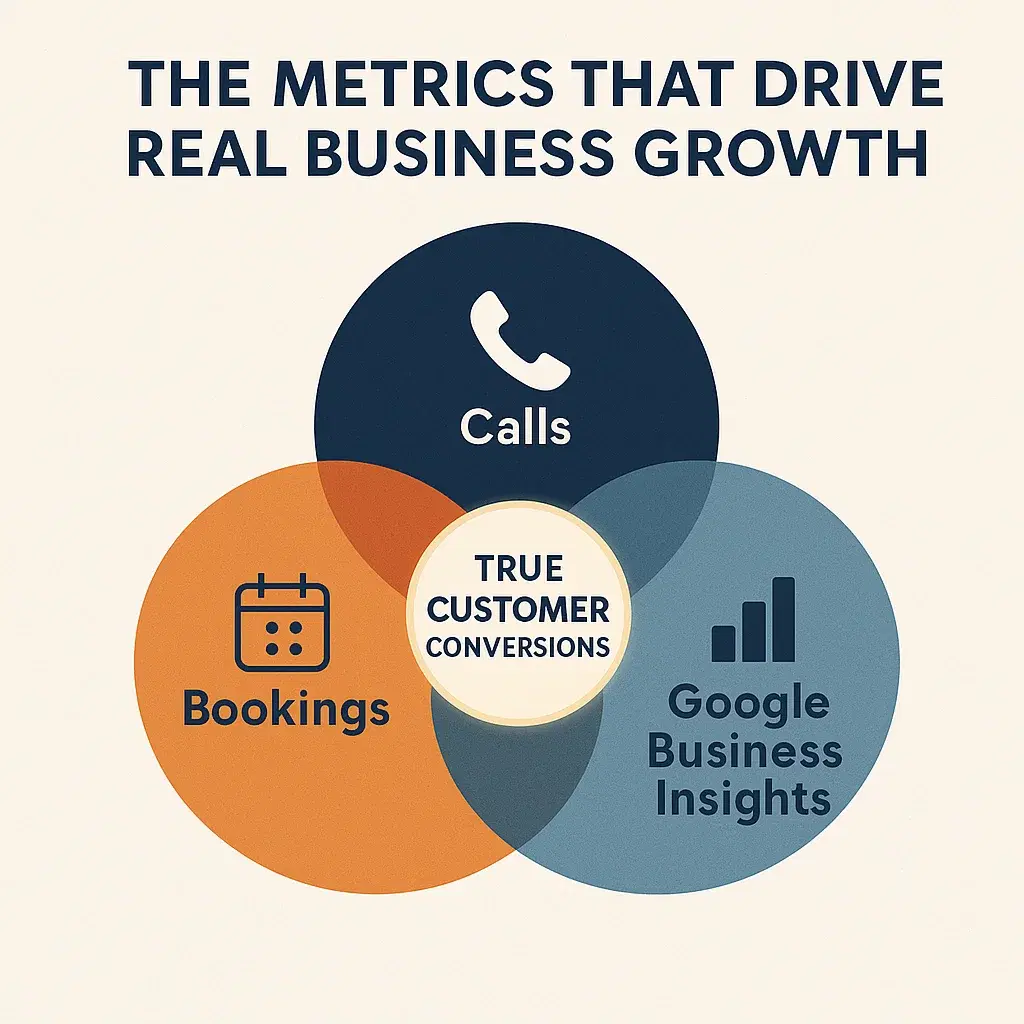
Here's what that might look like in practice:
| Metric | What It Tells You | Why It Matters | | --- | --- | --- | | Calls (from website or Google) | How many people tried to reach you directly | Measures true lead intent and marketing effectiveness | | Bookings/Form Submissions | How many visitors became leads or customers online | Shows conversion performance and usability | | Google Business Insights | How often customers found you on Google and took action | Reveals local visibility and foot traffic trends |
When you focus on these "conversion" metrics, you'll start noticing patterns — maybe your calls double after updating your GBP photos, or bookings rise when you simplify your contact form. These are clear, measurable results you can build on.
Quick Self-Check: Are You Tracking the Right Stuff?
Here's a simple checklist to audit your tracking today:
- Do you know how many calls your business gets from your site or Google listing each week?
- Are you tracking form submissions or online bookings and where they come from?
- Have you looked at your Google Business Profile insights this month?
- Are you seeing how these numbers change after marketing campaigns or website updates?
If you said "no" to any of these, that's your next step. Ask your web person or marketing partner to set up basic call tracking, form tracking, and Google Business monitoring — or ask us to set it up. It's simple, and it transforms how you understand your marketing.
Final Thoughts

Traffic is nice, but actions are everything. Pageviews show curiosity; calls, bookings, and Google actions show commitment.
By tracking what truly matters — people contacting, booking, and visiting you — you'll stop chasing vanity numbers and start focusing on the activity that drives real business growth.
So the next time you log into your website analytics, don't just celebrate the views. Ask the better question:
"How many of those visitors actually reached out?"
That's the number that really counts.