Trust Builders That Actually Convert: Photos, Reviews, Bios & Case Studies
Build credibility and boost conversions with authentic photos, genuine reviews, human bios, and real case studies. Learn what trust signals work and how to use them effectively.
If people don't trust you, they won't buy from you — no matter how good your product or service is. Online, customers can't shake your hand or look you in the eye, so your website and content have to do the trust-building for you.
The good news? You don't need fancy design or corporate polish to earn trust. You just need to show real proof — through authentic photos, genuine reviews, human bios, and real case studies.
Here's how small and medium businesses can use these four simple trust builders to turn curious browsers into loyal customers.
1. Real Photos: Show the Humans Behind the Brand
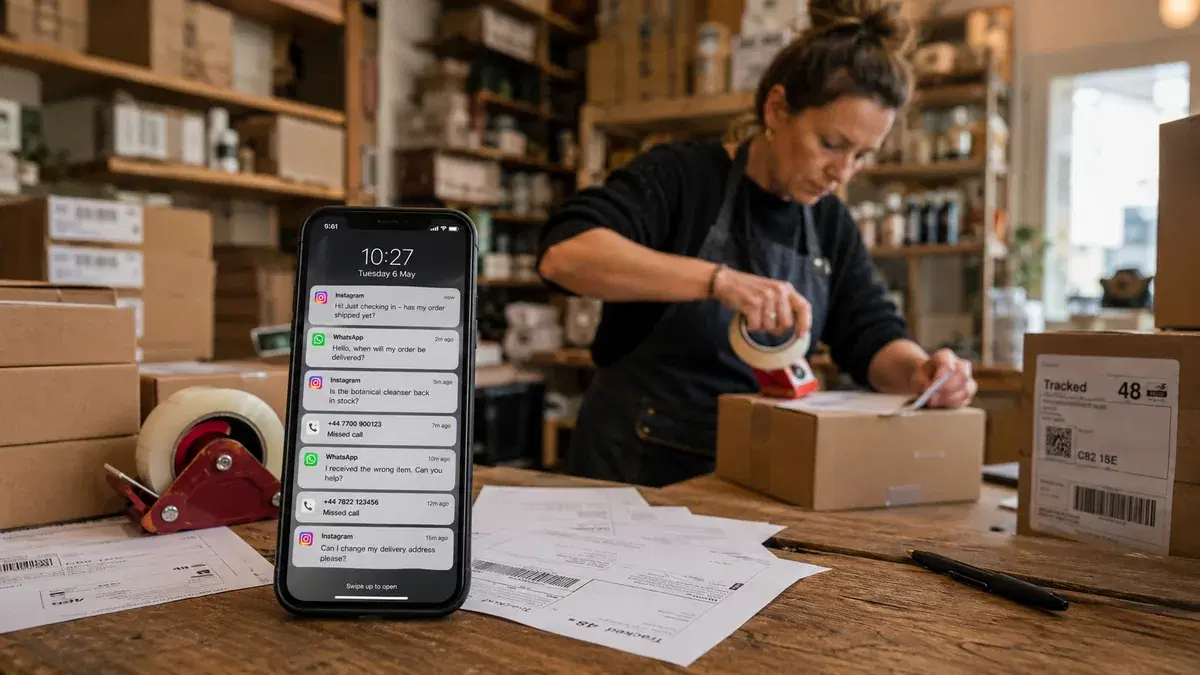
Nothing kills credibility faster than generic stock photos. People can spot them instantly — and they scream fake. Authentic photos, on the other hand, make your business feel real and relatable.
In fact, studies show that web pages featuring genuine, local photos drive higher engagement and conversions than those filled with stock imagery. Real images signal authenticity: "These are real people doing real work."
Example:
A local landscaping company replaces a stock "perfect lawn" image with before-and-after shots of their own projects. Visitors can see the transformation — patchy yard to paradise — and instantly believe in their skills. One firm even boosted inquiries by 30% simply by swapping stock photos for project photos and team portraits.
Tips for better photo trust:
- Show your people, your space, your results. Capture your team working, your office or shop, your products in action.
- Use decent lighting and consistency. Smartphone photos are fine — just make them clear and bright.
- Skip the fakery. Slightly imperfect, real moments beat overproduced "stock smiles."
- Refresh periodically. New photos tell customers (and Google) you're active and up to date.
Bottom line: Show what customers can expect — not what you think looks pretty. Authenticity beats perfection every time.
2. Customer Reviews: Let Happy Clients Do the Selling
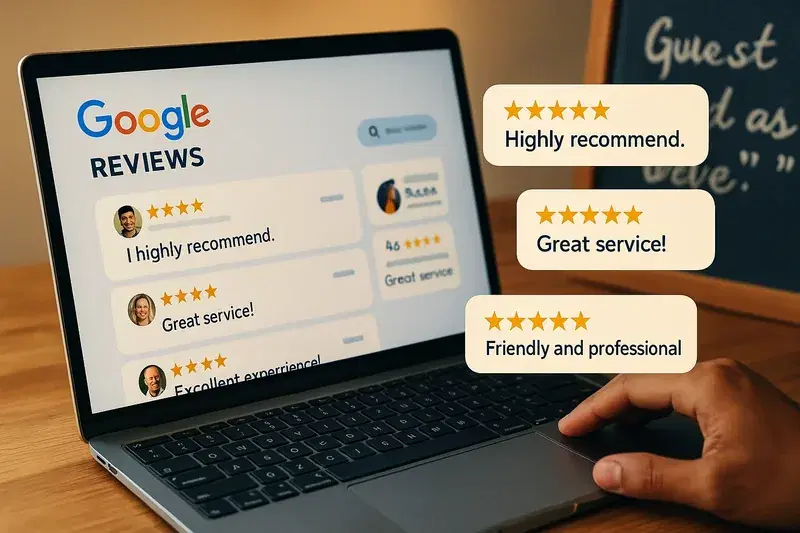
You can say you're great all day long — but people believe other people more than they believe you. That's why reviews are digital word-of-mouth, and they're one of the strongest conversion tools online.
According to recent studies:
- 90%+ of consumers read online reviews before visiting a business.
- 79% trust them as much as personal recommendations.
- Most won't consider a business with fewer than 20 reviews.
When visitors see consistent, positive feedback — especially on trusted platforms like Google, Yelp, or Facebook — they relax. You've already been "vetted" by other humans.
Example:
A neighborhood café features Google review snippets on its homepage: "Best coffee in town — friendly service every time!"
It links to its full review page and adds a Yelp badge showing a 4.8-star rating. Customers instantly feel confident stopping by for a latte. Similarly, a plumber who adds short testimonials like "John fixed our leak fast and charged fairly" right beside the "Book Now" button gives hesitant visitors the final nudge to call.
Tips for maximizing review power:
- Ask regularly. Happy customers rarely remember unless you ask. Send a quick text or email link after a good experience.
- Show them prominently. Add a few top reviews to your homepage, product pages, or service sections.
- Respond to every review. Thank supporters, and politely address negative feedback — it shows you care and listen.
- Diversify platforms. Encourage reviews on Google, Yelp, or industry-specific sites (TripAdvisor, Houzz, Healthgrades, etc.).
Even a few heartfelt testimonials with names and photos can double your perceived credibility.
3. Team Bios: Put a Face and Story to Your Brand
People trust people, not logos. Showing your team's faces and personalities bridges the online distance between you and your customers.
A well-crafted "About Us" or "Meet the Team" page can do wonders. It tells visitors: "Here's who you'll be dealing with. We're real, experienced, and approachable."
Example:
A family-owned dental clinic posts smiling staff photos and short bios. Dr. Smith mentions his 15 years of experience and passion for helping anxious patients. The hygienists each share a quick fun fact ("Loves gardening and true-crime podcasts"). Suddenly, a nervous patient sees not "a clinic," but kind, relatable humans.
A boutique marketing agency might do the same — showing their small team, what each person specializes in, and what drives them. It feels personal and trustworthy. (That's the format we use on our own story page.)
Tips for great bios:
- Use real photos and names. No silhouettes or initials — real people only.
- Mix professional with personal. Mention experience and qualifications, but also something relatable.
- Keep the tone human. Write bios as if introducing a colleague at a networking event, not filling out a resume.
- Update regularly. If someone leaves, replace them quickly — outdated team pages look neglected.
Even short bios add warmth and accountability. When customers see the humans behind the brand, trust skyrockets.
4. Case Studies: Turn Experience into Proof
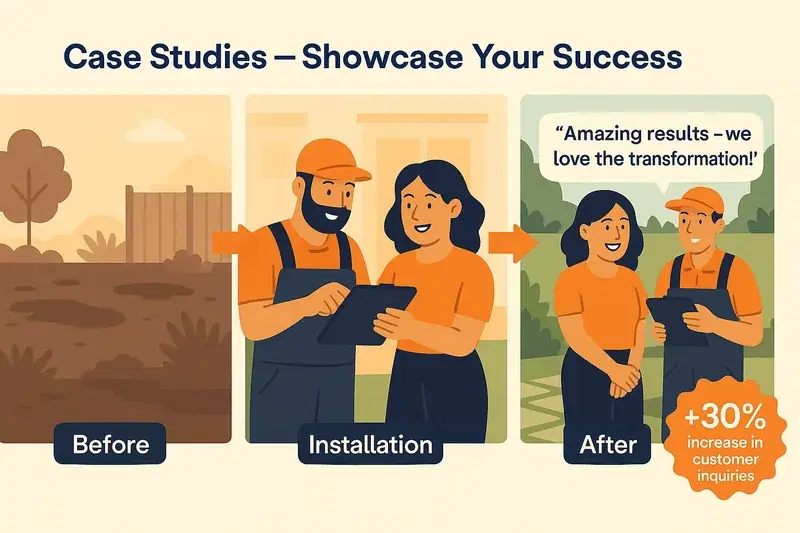
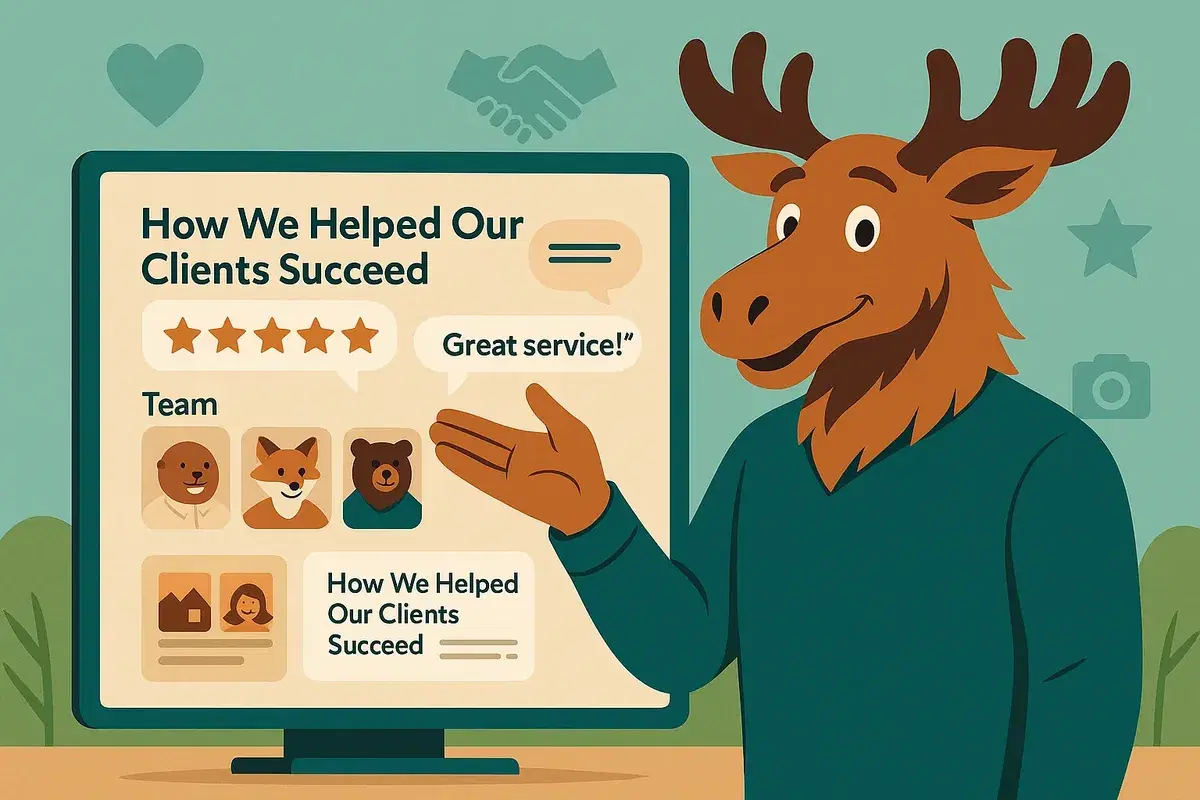
Case studies are stories that prove your expertise. They show how you solved real problems for real people — step by step. Want to see the format in practice? Browse our case studies.
Unlike reviews, which are emotional and brief, case studies are logical and detailed. They let potential customers visualize working with you and seeing results.
A strong case study has three parts:
- The problem: What challenge did your customer face?
- The solution: What did you do?
- The result: What changed — and what's the measurable impact?
Example:
A local dentist posts a story titled "How We Helped a Patient Overcome Dental Anxiety." It describes a nervous patient, the techniques used to help her relax, and the happy ending — a confident smile. Add a short quote: "I never thought I'd say this, but I actually enjoyed going to the dentist!"
A landscaping company could share "How We Transformed a Flooded Backyard into a Family Retreat," complete with photos and before/after comparisons. These stories turn claims into credibility.
Tips for writing mini case studies:
- Keep it simple. 3–5 short paragraphs are plenty.
- Highlight relatable results. Pick outcomes that reflect common customer goals (saved time, solved a problem, improved appearance).
- Use real data or quotes. Numbers ("cut costs by 20%", or "audit prep from 2 hours to 3 seconds") and customer quotes make it believable.
- Make it about the client's success. Frame it as their story, with you as the guide.
Even a handful of short success stories can make your site feel proven and professional.
Bringing It All Together: Layer Your Trust Signals
Each element — photos, reviews, bios, case studies — builds credibility on its own. But when used together, they multiply your conversion power.
Here's how to layer them effectively:
- Homepage: Show a friendly hero image of your real team or space, a few short testimonials, and a quick "Meet Us" teaser that links to your About page.
- Service pages: Include one mini case study or a relevant review beside your "Book Now" or "Get a Quote" button.
- About page: Add professional photos and personal bios. Show why you care about your customers.
- Testimonials or Success Stories page: Curate your best reviews and case studies — and keep them updated.
- Google Business Profile and social media: Mirror the same authentic visuals and tone. Consistency across platforms boosts both SEO and trust.
Why it works:
Trust elements tackle different fears in the buying process:
- Photos: "Are these people real?"
- Reviews: "Do others like them?"
- Bios: "Who am I dealing with?"
- Case studies: "Can they deliver?"
When all four answers are clear, a visitor's hesitation melts away — and conversion rates climb.
Quick Audit: How Trustworthy Is Your Business Online?
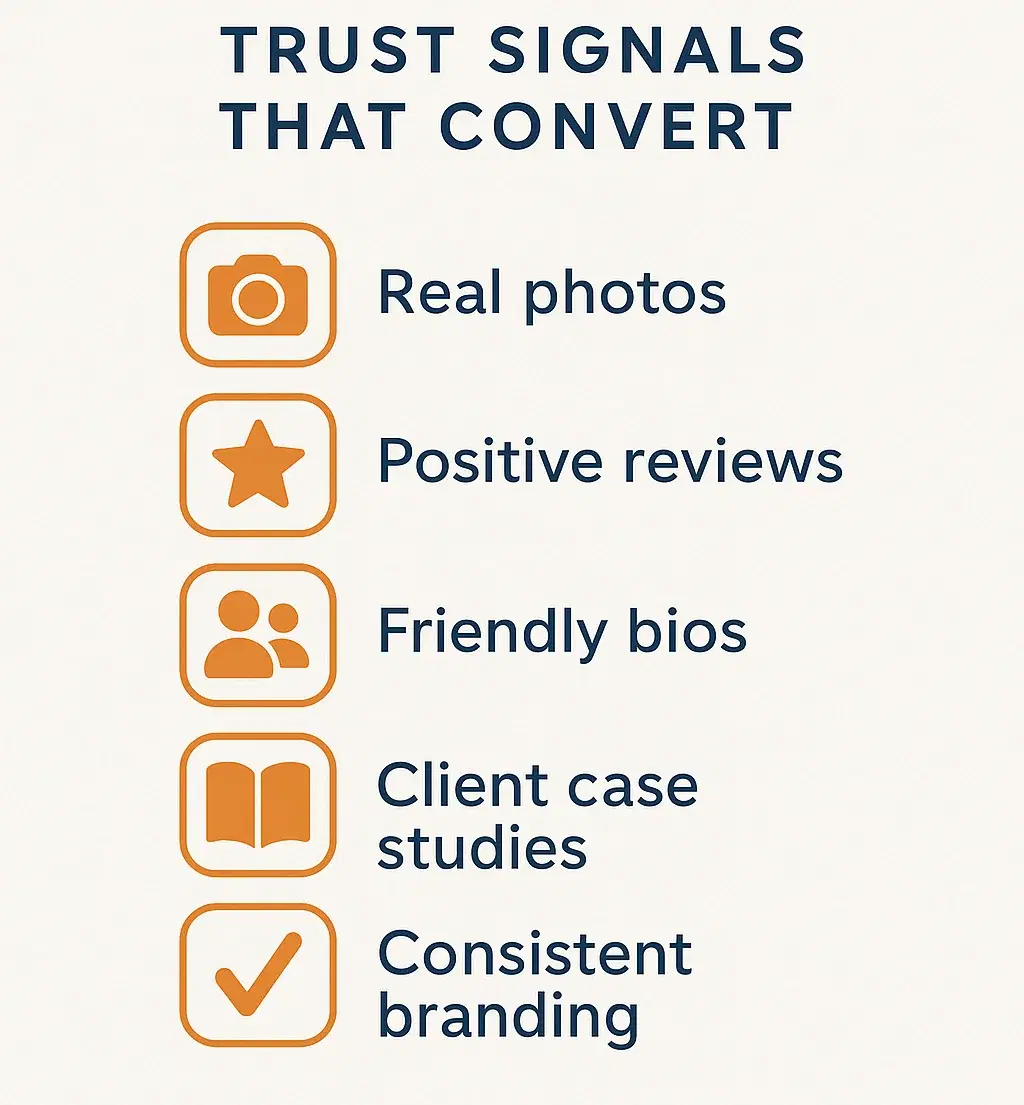
Here's a five-minute checklist to spot gaps:
- Do you show real photos of your team, space, or work?
- Are there recent, visible reviews or testimonials?
- Can visitors easily see who runs the business (bios)?
- Is there at least one success story or example of your work?
- Are all these elements consistent across your website and listings?
If you answered "no" to any, that's your action plan. Start small — even one new review, photo, or story can make a noticeable difference.
Final Thoughts: Trust Converts
Trust isn't built with slogans — it's earned through authenticity, proof, and personality. For small and medium businesses, that's a huge advantage: you're real, local, and human. Lean into that.
Post your real faces. Share customer voices. Tell honest stories about your work. Keep it fresh and consistent.
When visitors can see, hear, and feel that you're genuine, they don't just click — they call, book, or buy.
So go ahead — audit your online presence today and make sure your photos, reviews, bios, and case studies tell the story that truly sells:
"You can trust us."